


 Türkiye (Türkçe)
 Worldwide (English)
If your VPS is down/offline, you can start it using SolusVM.
1. Log in to your SolusVM Control Panel.
2. If you have multiple VPSs, select the appropriate one.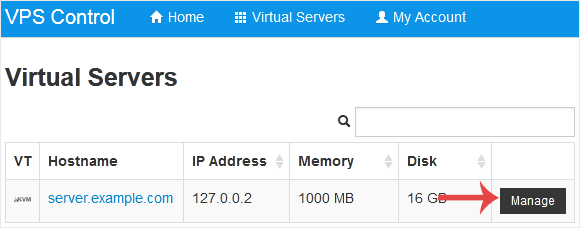
3. Click on Boot.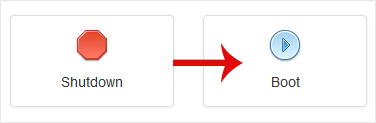
4. Click Yes to confirm.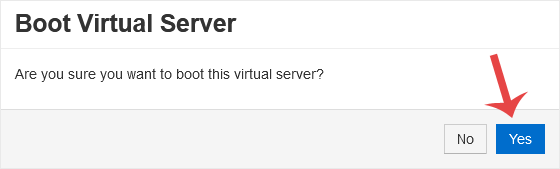
It may take some time for the VPS to start.
If your VPS is down/offline, you can start it using SolusVM.
1. Log in to your SolusVM Control Panel.
2. If you have multiple VPSs, select the appropriate one.
3. Click on Boot.
4. Click Yes to confirm.
It may take some time for the VPS to start.
Bilgi bankasını detaylı olarak incelediniz, fakat ihtiyacınız olan bilgiyi bulamıyorsanız,


