


 Türkiye (Türkçe)
 Worldwide (English)
You can access and manage Cloudflare in cPanel. Follow this tutorial to learn how to access your Cloudflare account using cPanel.
1. Log in to your cPanel account.
2. In the Software section, click on Cloudflare.

3. Click on Sign in Here. If you do not have a Cloudflare account, create a new one.

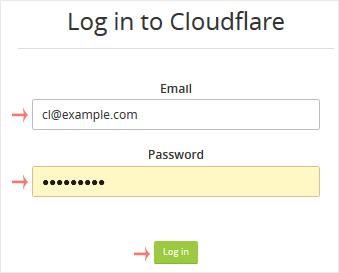
4. From the login page, enter your Cloudflare credentials and then click on Log in.
You can manage your account from the Cloudflare management area.


